Physical Address
304 North Cardinal St.
Dorchester Center, MA 02124
Physical Address
304 North Cardinal St.
Dorchester Center, MA 02124

Summary You can undo typing in the iPhone Notes app by tapping with three fingers, swiping with three fingers, or using Shake to Undo. The fastest option is the three-finger tap, which brings up the editing menu with Undo and…
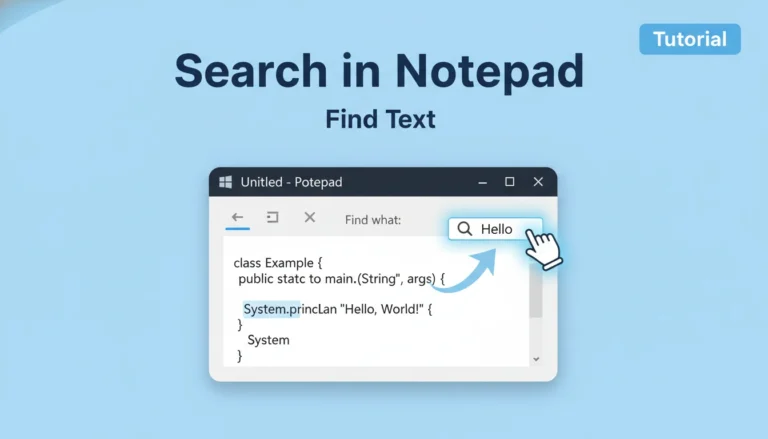
Summary You can search in Notepad by opening your document and pressing Ctrl + F to launch the Find box. Type the word or phrase you want, choose search direction, and click Find Next. For multiple replacements, press Ctrl +…
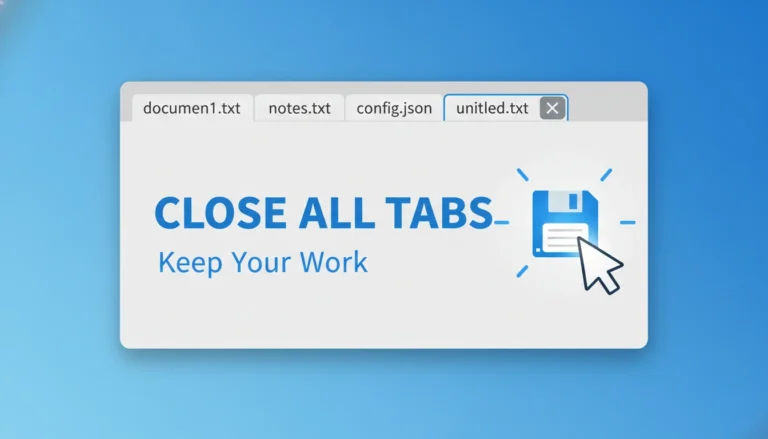
Summary To close all Notepad tabs, open Notepad and select File > Close All Windows. If you’re using the Store version, choose File > Close All Tabs. In Notepad++, go to File > Close All or right-click any tab and…
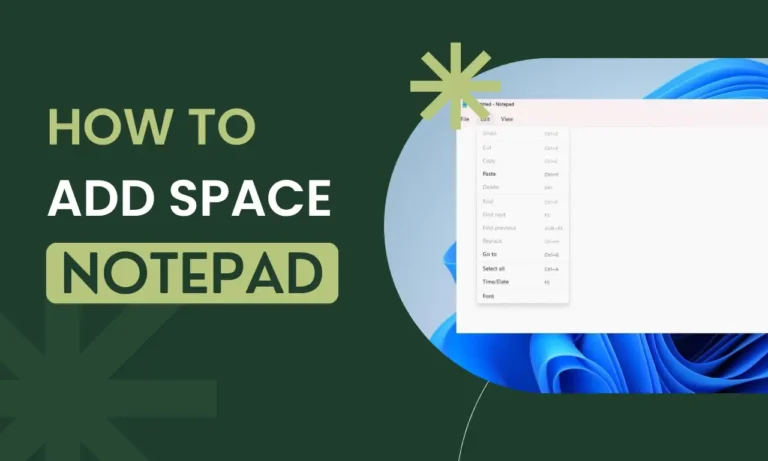
How to add space between lines in notepad Summary : You can add space between lines in Notepad by manually inserting blank lines with the Enter key, using Find & Replace to auto-create spacing, pasting text into Word Wrap mode,…
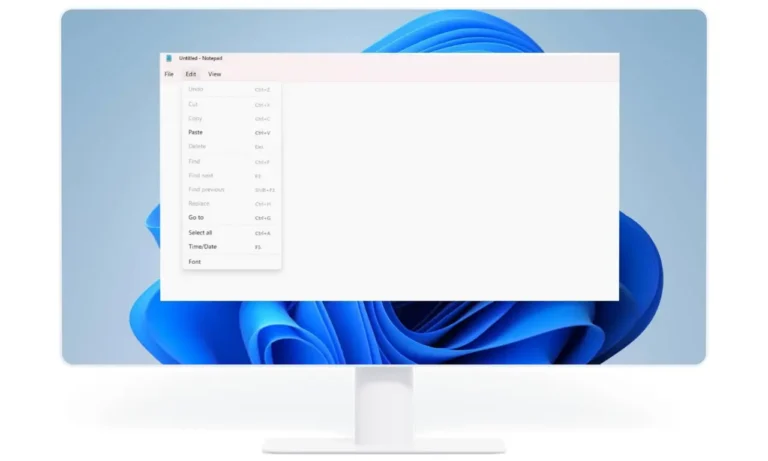
Summary : Windows Notepad does not auto-save your work. If the program closes unexpectedly, unsaved text is lost permanently because Notepad has no recovery mechanism. To avoid losing work, you must save manually or switch to an editor with an…
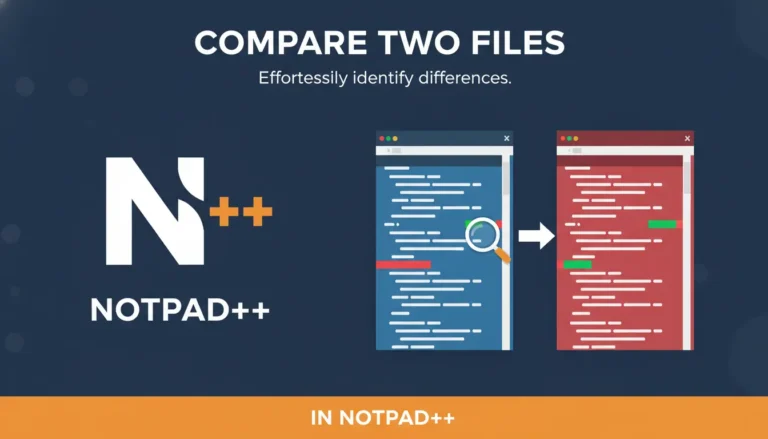
Summary : Open both files in Notepad++, install the Compare plugin from Plugins → Plugins Admin, then choose Plugins → Compare → Compare (or press Alt + D) to see differences side-by-side with colored highlights. If Plugins Admin isn’t available,…
Yes — you can sometimes retrieve Notepad notes. If the file was saved at least once, use File History/Previous Versions or undelete tools; for unsaved text check Windows temporary folders and app cache. If those fail, file-recovery software may recover…