
My 30-Day Experiment Using Only One Notes App
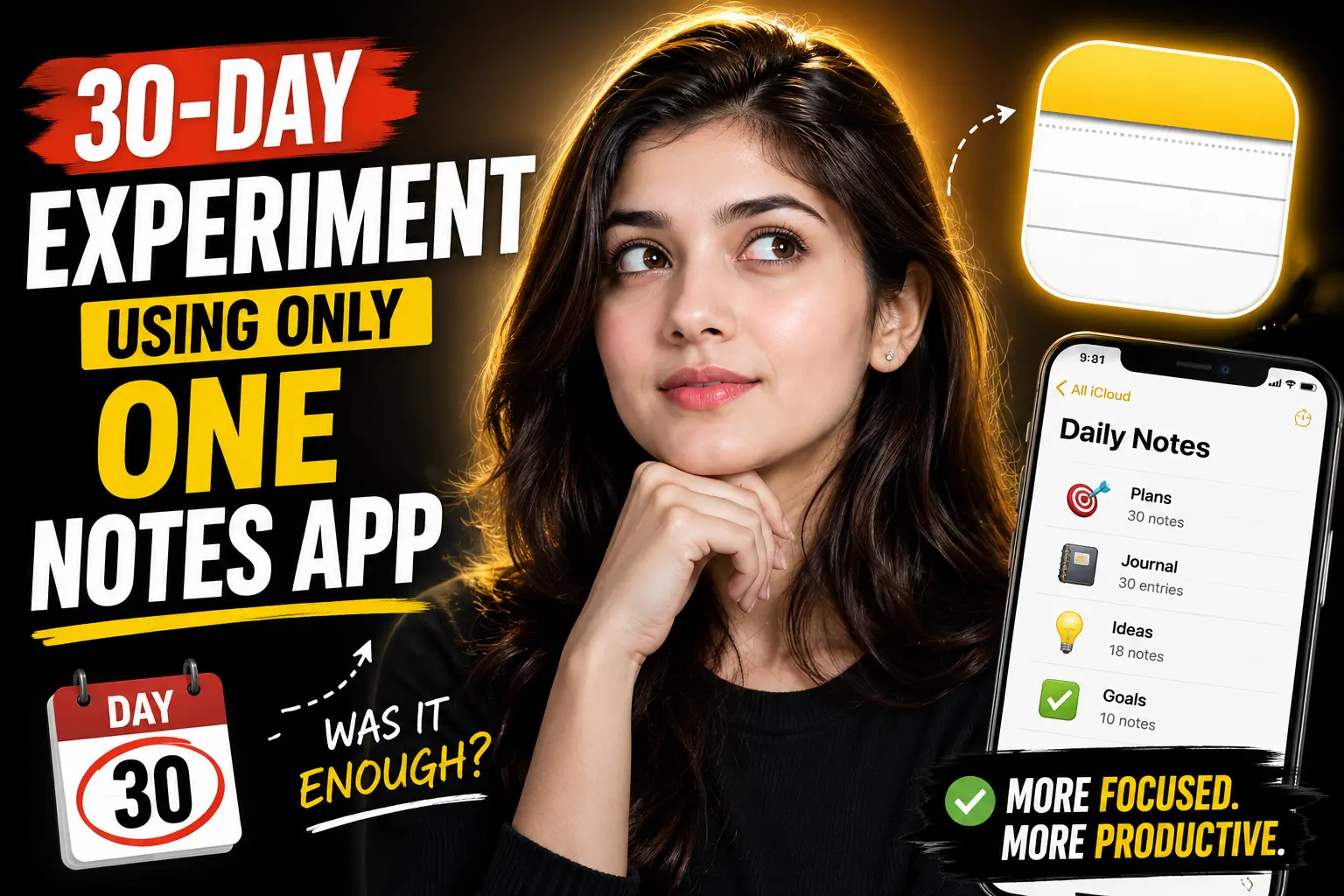
For years, my digital notes were scattered across multiple apps.
Quick ideas went into Apple Notes. Work planning lived in Notion. Research highlights ended up in Obsidian. Random thoughts disappeared into Google Keep or unread Slack messages. I had systems for everything and clarity for nothing.
So I tried an experiment: for 30 days, I used only one notes app for everything.
No backup tools. No “just this one exception.” No task manager hiding in the background.
The goal wasn’t minimalism for its own sake. I wanted to find out whether consolidating everything into a single system would actually improve focus, retrieval, and consistency — or just create a bigger mess.
What surprised me wasn’t the app itself. It was how much mental overhead came from constantly deciding where information belonged.
Table of Contents
- Why I Started the Experiment
- The Biggest Problem With Multiple Notes Apps
- The Rules of the 30-Day Challenge
- What Changed During Week 1
- The Unexpected Benefits
- The Downsides Nobody Mentions
- How Search Changed Everything
- What Actually Matters in a Notes App
- Would I Recommend a Single-App System?
- FAQ
Why I Started the Experiment
The problem wasn’t lack of organization. It was fragmentation.
I had:
- project notes in one app
- meeting notes in another
- saved articles somewhere else
- personal journaling in a separate system
- tasks split across multiple platforms
Individually, each app worked fine. Together, they created friction.
The biggest issue was retrieval.
I often remembered writing something down but not where I wrote it. That forced me into a constant scavenger hunt across tabs, folders, and search bars.
That’s when I realized most note-taking advice focuses too much on structure and not enough on retrieval speed.
A system that captures everything but slows down recall is still inefficient.
The Biggest Problem With Multiple Notes Apps
Using several notes apps creates a hidden tax on attention.
Every new piece of information triggers a decision:
- Where should this go?
- Is this temporary or permanent?
- Does this belong in work notes or personal notes?
- Should I save this for later?
- Which app handles this best?
Those decisions seem small until they happen 50 times per day.
Over time, the cognitive load becomes noticeable.
The experiment was really about removing that layer entirely.
Instead of optimizing for the “perfect” tool, I optimized for:
- lower friction
- faster capture
- reliable search
- consistent habits
That shift mattered more than expected.
The Rules of the 30-Day Challenge
The rules were intentionally strict.
For 30 days:
- all notes went into one app
- all tasks were managed there
- all research was stored there
- all journaling happened there
- no temporary scratchpad apps allowed
- no bookmarking apps
I also disabled most quick-capture tools on other platforms to avoid cheating.
The only exceptions were:
- calendar scheduling
- collaborative documents required for work
Everything else stayed inside one ecosystem.
The App I Chose
I chose Notion for the experiment.
Not because it’s objectively the best notes app, but because it could realistically handle:
- long-form writing
- databases
- project tracking
- quick notes
- task management
- web clipping
- cross-device syncing
That matters more than feature depth.
A notes app fails as a “single source of truth” if it creates too much friction for even one major workflow.
That said, the experiment would probably work similarly with:
| App | Best For | Weakness |
|---|---|---|
| Notion | Flexible all-in-one systems | Slower quick capture |
| Obsidian | Deep knowledge management | Mobile friction |
| Apple Notes | Speed and simplicity | Limited structure |
| Evernote | Archiving and retrieval | Expensive for some users |
| OneNote | Freeform organization | UI complexity |
The app matters less than consistency.
Week 1: The System Felt Worse
The first week was chaotic.
This is the part productivity influencers usually skip.
Consolidation creates temporary disorder before it creates clarity.
I had:
- duplicate folders
- messy tags
- uncategorized notes
- conflicting workflows
- abandoned organizational systems
At one point, everything felt harder than before.
That happened because I was still thinking in “multiple app logic.”
I kept trying to recreate old separations inside the new system.
Eventually, I stopped over-structuring.
That’s when the experiment started working.
The Most Important Change: Search Became the System
Around day 10, I noticed something important.
I stopped caring where notes lived.
Instead of navigating folders, I searched everything.
That changed how I organized information entirely.
Most modern notes apps are now good enough at:
- full-text search
- backlinks
- filters
- OCR
- tagging
- cross-device syncing
Once retrieval became reliable, rigid organization mattered far less.
This was the biggest lesson from the experiment:
Good search reduces the need for perfect organization.
A lot of productivity systems are really attempts to compensate for poor retrieval.
The Unexpected Benefits
1. Lower Mental Friction
Capturing ideas became easier because there was no routing decision.
Everything went into the same inbox first.
That alone reduced procrastination around note-taking.
2. Fewer Lost Ideas
When notes are fragmented across platforms, information becomes invisible.
Centralization increased resurfacing.
Old notes started becoming useful again because they existed in searchable proximity to newer ones.
That created accidental connections I previously missed.
3. Better Writing
Having research, outlines, and drafts in one place improved long-form writing.
Instead of context-switching between tools, I stayed inside the same environment.
The reduction in micro-distractions was noticeable.
4. Simpler Maintenance
Maintaining five productivity systems takes real effort.
Maintaining one system is still work, but it’s dramatically easier.
Especially over time.
The Downsides Nobody Mentions
The experiment wasn’t universally positive.
Some tradeoffs became obvious quickly.
Single-App Systems Create Single Points of Failure
When everything lives in one platform:
- outages matter more
- sync issues become serious
- export limitations become risky
- platform lock-in increases
This is especially important for proprietary apps.
If your entire digital life depends on one tool, portability matters.
That’s one reason many advanced users prefer markdown-based systems like Obsidian.
All-in-One Apps Usually Compromise Somewhere
No single app excels at everything.
Examples:
- Notion is flexible but slower for quick capture
- Apple Notes is fast but weak for complex systems
- Obsidian is powerful but requires maintenance
- OneNote handles freeform notes well but can feel cluttered
Using one app means accepting tradeoffs instead of optimizing every workflow individually.
That’s uncomfortable for power users.
Over-Organization Is Still a Trap
Consolidation doesn’t automatically fix bad habits.
You can still waste hours:
- tweaking templates
- reorganizing folders
- building dashboards
- renaming tags
- optimizing workflows that don’t matter
A messy system in one app is still messy.
The experiment only worked once I prioritized usage over architecture.
What Actually Matters in a Notes App
After 30 days, my priorities changed completely.
I used to care about advanced features.
Now I care more about:
| Feature | Why It Matters |
|---|---|
| Fast capture | Ideas disappear quickly |
| Reliable search | Retrieval beats organization |
| Low friction | Simpler systems get used |
| Cross-device sync | Accessibility matters daily |
| Offline access | Prevents dependency issues |
| Export options | Reduces platform lock-in |
Interestingly, aesthetics mattered far less than expected.
Speed and reliability mattered far more.
The Biggest Myth About Productivity Systems
The productivity world often treats tools like solutions.
They usually aren’t.
Most people don’t need:
- a complex second-brain architecture
- advanced PARA frameworks
- dozens of linked databases
- AI-enhanced knowledge graphs
They need:
- one reliable capture system
- consistent usage
- fast retrieval
- low maintenance
The more complicated the system becomes, the more likely it is to collapse during stressful periods.
Simple systems survive real life better.
Would I Recommend Using Only One Notes App?
Yes — for most people.
Especially if you currently feel overwhelmed by fragmented tools.
A single-app system helps reduce:
- decision fatigue
- context switching
- lost information
- maintenance overhead
But there’s an important caveat:
The goal is operational simplicity, not ideological purity.
If one specialized tool genuinely improves an important workflow, use it.
The mistake is allowing tools to multiply without intentional boundaries.
That’s how digital clutter forms.
My Setup After the Experiment
Interestingly, I didn’t stay fully “single app” afterward.
But I changed how I use tools.
Now I follow a simpler rule:
- one primary knowledge system
- minimal supporting tools
- no overlapping functions
That distinction matters.
The problem was never having multiple apps.
The problem was having multiple capture destinations competing for attention.
FAQ
Is using one notes app better for productivity?
Usually, yes. A single notes app reduces context switching and retrieval friction. The main benefit is consistency, not feature depth.
What is the best all-in-one notes app?
There’s no universal best option. Notion, Obsidian, Apple Notes, Evernote, and OneNote all work well depending on your priorities.
Does organizing notes matter less than search?
For most users, yes. Modern search functionality reduces the need for deeply nested folder systems.
Can one notes app replace a task manager?
Sometimes. For lightweight task management, many notes apps work well enough. Complex project management may still benefit from dedicated tools.
What’s the biggest risk of using one app for everything?
Platform dependency. If the app becomes unavailable or difficult to export from, your entire system is affected.
Conclusion
The biggest lesson from this 30-day experiment wasn’t about software.
It was about reducing friction.
Using one notes app simplified capture, improved retrieval, and eliminated dozens of tiny decisions that quietly drained attention every day. The improvement came less from organization and more from consistency.
At the same time, the experiment exposed real tradeoffs around flexibility, portability, and specialization.
For most people, the best productivity system is probably not the most advanced one. It’s the one simple enough to survive everyday life without constant maintenance.
That matters more than almost any feature list.

Alex Chen
I am a Digital Systems Architect and productivity specialist dedicated to building frictionless workflows. With over 2,000 hours of deep-work experimentation, I've mastered the art of transforming cluttered Write Notes workspaces into high-output engines.Having successfully migrated over 10,000 users into streamlined digital systems, I focus on the intersection of Personal Knowledge Management (PKM) and automated task architecture. When I'm not auditing the latest productivity tools, I manage a 1,500-note research library and consult for teams looking to reclaim their focus.