
Think Better Together on a Shared Online Whiteboard
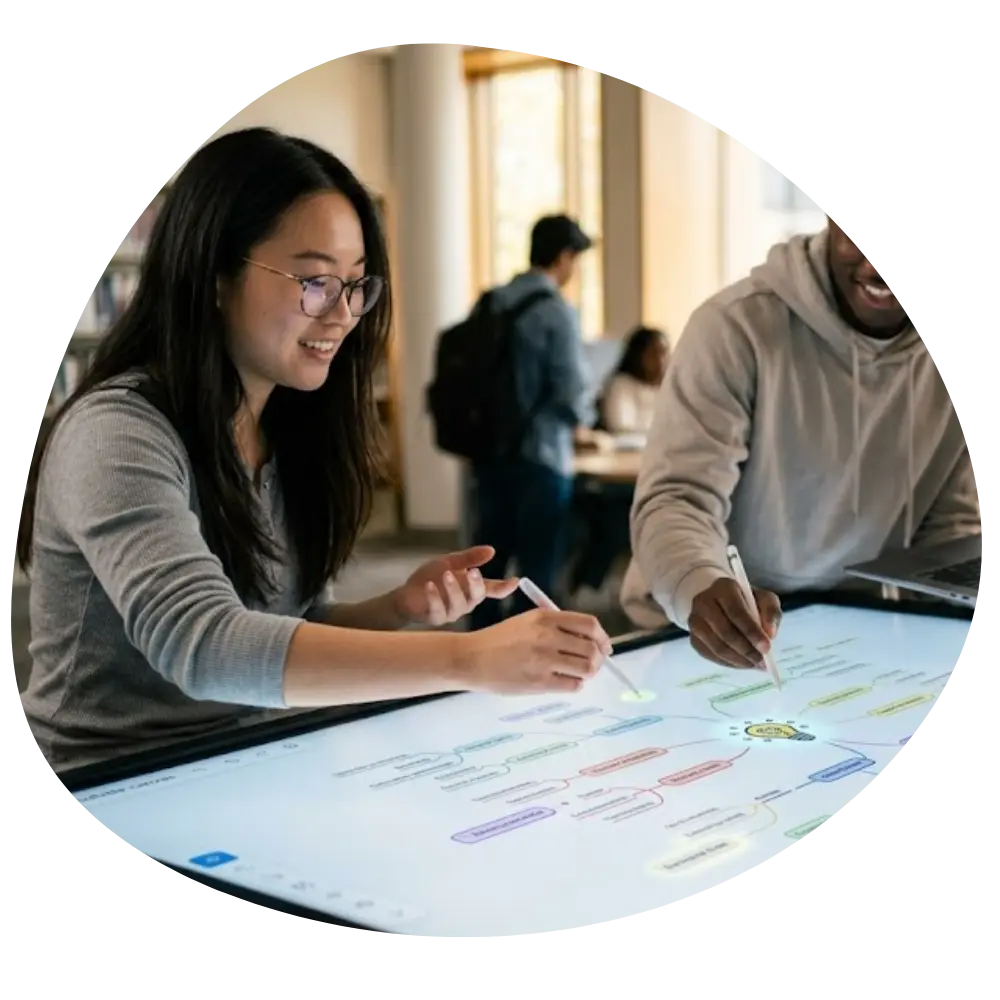
From quick classroom discussions to full group projects, students need a faster way to brainstorm, explain ideas, and collaborate visually. Our online whiteboard helps students work together in real time — whether they're in the same classroom or learning remotely.
Create diagrams, write notes, sketch ideas, and organize lessons on a flexible collaborative workspace designed for modern learning.
Trusted by students from the USA, UK, Canada, and Europe.
Built for Real Student Collaboration
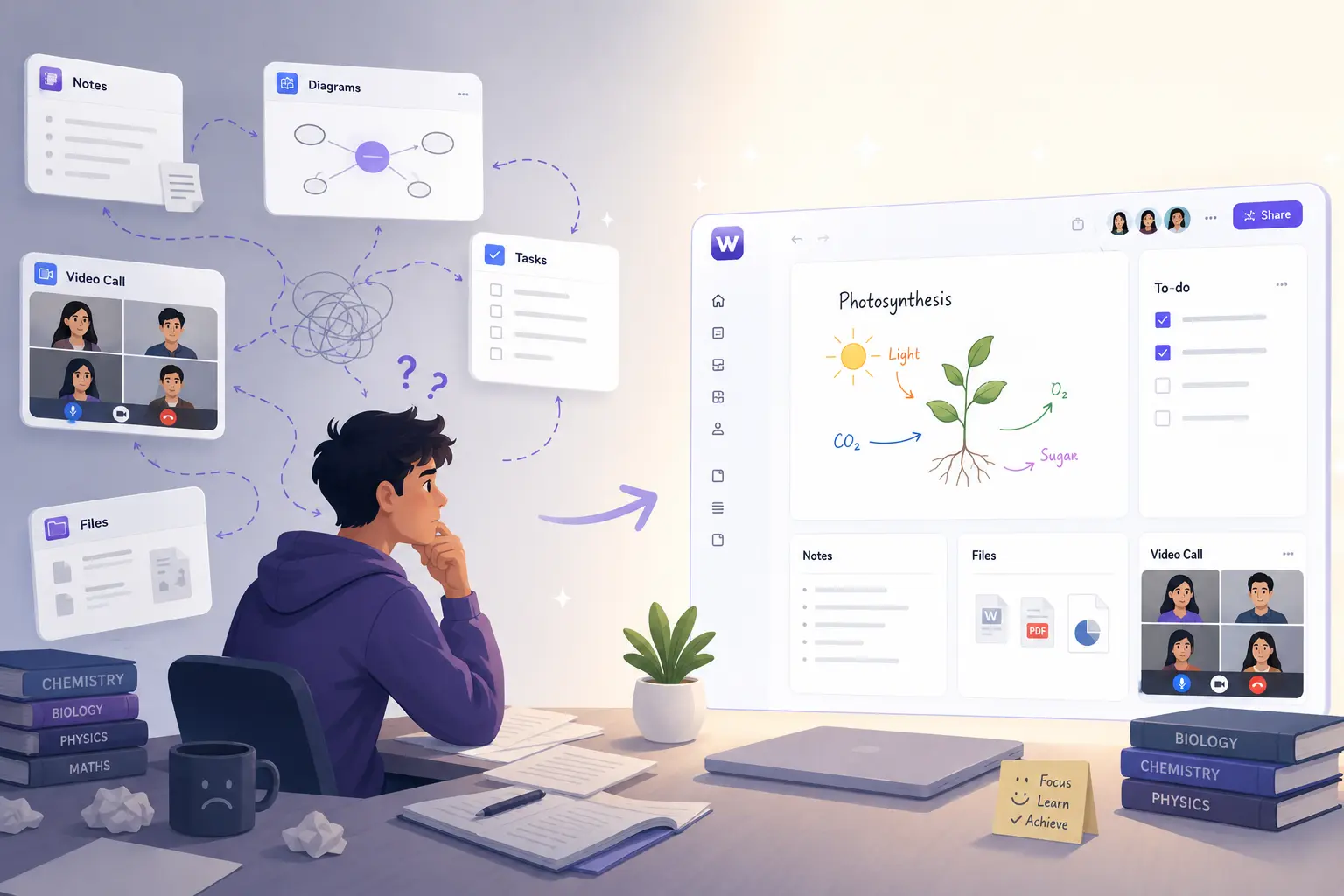
Stop Switching Between Ten Different Study Tools
Most students waste time jumping between chat apps, docs, screenshots, and PDFs. A collaborative whiteboard for students online keeps everything in one shared visual space so teams can discuss ideas, solve problems, and study together without confusion.
Whether you're preparing presentations, revising before exams, or brainstorming assignments, collaboration feels natural and instant.
One shared visual space replaces ten scattered tools.
Simple Enough for Anyone to Use
No Training. No Complexity. Just Open and Start Writing.
A simple online whiteboard for students should actually feel simple. Students can start drawing, typing, highlighting, and sharing ideas within seconds — without complicated menus or technical setup.
Clean Interface
No cluttered menus or confusing navigation
Fast Performance
Instant response, no lag while working
Drag-and-Drop Tools
Move elements freely across the canvas
Works on Tablets & Laptops
Seamless across all your devices
Share Ideas Instantly From Anywhere
Create a Virtual Classroom Without the Chaos
Students can invite classmates into a live workspace and collaborate in real time using a virtual whiteboard for students to share notes, explanations, and feedback.
Remote study groups
Online tutoring
Team assignments
Classroom discussions
Everything updates instantly, so everyone stays on the same page.
Free Access That's Actually Useful
A Whiteboard Students Can Use Without Paying Upfront
Most "free" tools become unusable after a few minutes. This whiteboard for students free plan gives learners access to the features they genuinely need for studying and collaboration.
Create Unlimited Boards
No artificial limits. Create as many whiteboards as you need for different classes, projects, and study sessions.
Work Together Live
Real-time collaboration with classmates on any device.
Save Class Notes
Never lose your work. Auto-save keeps everything secure.
Drawing & Annotation Tools
Full suite of drawing, highlighting, and annotation tools.
Access From Anywhere
Cloud-synced boards available on any device, any time, from any location.
No Credit Card Required
Start free instantly. No payment info needed to create your first board.
Turn Handwritten Notes Into Clean Digital Text
Write Naturally, Then Organize Everything Faster
Handwritten Input
Especially useful for:
- Math equations
- Science diagrams
- Quick brainstorming
- Revision notes
Convert
Digital Text Output
Also great for:
- Math equations
- Science diagrams
- Quick brainstorming
- Revision notes
Typing isn't always the best way to learn. Students using tablets or stylus devices can write naturally on the board and instantly convert notes into readable digital text. Instead of rewriting messy notes later, students can keep everything organized from the beginning.
Designed for Younger Learners Too
Easy for Kids. Simple for Teachers.
Elementary students shouldn't need accounts, passwords, or technical setup just to join a lesson. Teachers can launch a virtual whiteboard for elementary students no login required and start interactive learning sessions immediately.
That means less time troubleshooting and more time teaching.
No login required for elementary students
Drawing
Vocabulary
Interactive
Collaboration
Never Run Out of Space
One Board for Every Idea, Lesson, and Project
Students often think visually, and small canvases limit creativity. With an online whiteboard with infinite canvas for students free, learners can expand ideas naturally without constantly creating new pages.
Mind Maps
Expand ideas in every direction
Research Planning
Organize sources and connections
Flowcharts
Map processes and workflows
Revision Boards
Consolidate study material
Group Brainstorming
Collaborate without limits
Project Planning
Track milestones and deadlines
Better Communication for Remote Learning
Make Online Language Learning More Interactive
Language learning becomes harder when communication feels disconnected. A shared whiteboard for remote language students helps tutors and learners interact visually during lessons.
Sentence Structure
Sentence Structure
Teachers can explain grammar visually with color-coded examples.
Highlight Mistakes
Highlight Mistakes
Mark errors in real-time so students can learn from corrections instantly.
Vocabulary Maps
Vocabulary Maps
Build visual word associations and language connections together.
Live Exercises
Live Exercises
Practice exercises together live instead of relying only on video calls.
This creates a more engaging and collaborative learning experience.
Built for Creative and Design Students
Organize Creative Work Without the Mess
Design students need more than basic drawing tools. An online whiteboard for design students with layers helps organize wireframes, sketches, concepts, feedback, and visual references clearly inside one workspace.
Layers help students separate:
- Drafts
- Final concepts
- Feedback
- Annotations
- Mood boards
That structure becomes critical during collaborative creative projects.
Layer Panel
Works Across Every Device
Continue Learning Anywhere
Students move between devices constantly. Whether using a laptop during class or a tablet at home, the whiteboard stays synced and accessible everywhere.
Chromebooks
Browser-based access
Tablets
Touch-optimized
Laptops
Full feature set
Touchscreen
Natural interaction
A Smarter Way for Students to Learn Together
Modern learning is visual, collaborative, and remote-first. Students need tools that help them think clearly, share ideas quickly, and stay connected across classrooms and locations.
Free forever plan. No credit card required.